

Accessing Brand Colors
Go to Settings in your website dashboard, then find Brand Colors.Adding Colors
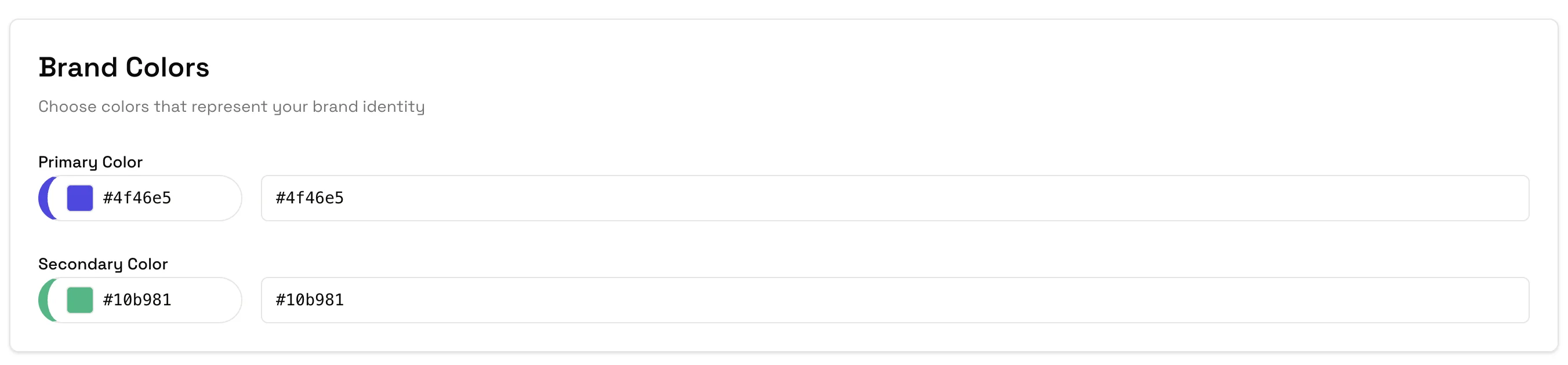
Enter hex code
Enter your brand color in hex format:
- Example:
#F97316(orange) - Example:
#1E40AF(blue)
Recommended Setup
| Color Type | Purpose |
|---|---|
| Primary | Main brand color |
| Secondary | Supporting color |
| Accent | Highlight/CTA color |